


No chasing bank details
Clients are added to your mandate as part of onboarding, so there's nothing to chase.
strively integrates with Adfin and adds each new client to your direct debit mandate as part of onboarding. No bank details to chase, and nothing to re-key.
Included in every plan, from £110 a month. Works with your Adfin account.
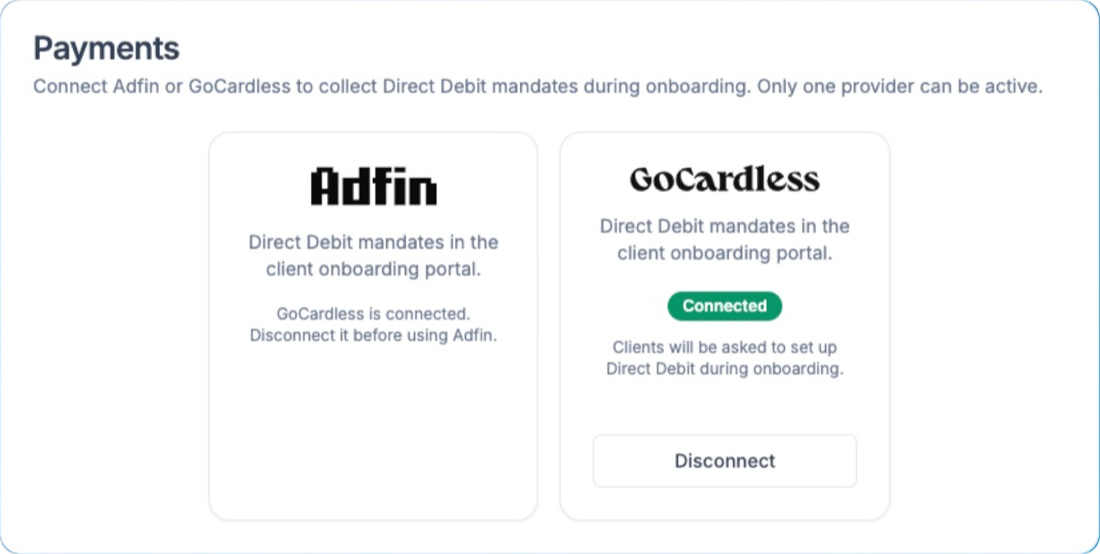
Yes. strively integrates with Adfin and adds new clients to your direct debit mandate as part of onboarding, after they've accepted their proposal and signed their engagement letter. strively doesn't create invoices, so you keep invoicing as you do today.
Clients are added to your mandate as part of onboarding, so there's nothing to chase.
Details aren't copied between systems by hand, which saves time and avoids mistakes.
Every new client is set up to pay before the work begins.
Direct debit set-up is the last step of onboarding, handled for you.
Link your Adfin account to strively.
The new client accepts their proposal and signs their engagement letter.
strively adds the client to your Adfin direct debit mandate.
Keep invoicing the way you do today, with payment set up.
Direct debit set-up happens in the same flow as the proposal, engagement letter and AML checks.
Onboarding · Hartley & Co Ltd
strively connects to Adfin, so new clients go straight into the mandate you already use.
Integrations
strively sets up the direct debit. It doesn't create invoices, so your billing stays as it is.
Your process
Get payment set up before the work begins, whatever kind of practice you run.
Have monthly fees set up before year-end work begins.
Example: added to your mandate on sign-upGet monthly retainers set up from the first month.
Example: monthly fee ready before work startsHave payment in place before the first pay run.
Example: set up in the same sitting as the letterSet up payment for specialist work as part of onboarding.
Example: set up straight after signingstrively adds new clients to your Adfin mandate as part of onboarding, without changing how you invoice.
Checked October 2026 against each tool's published information. Follow a row for the full comparison.
Every strively feature hands over to the next, from first enquiry to onboarded client.
Yes. strively integrates with Adfin and adds new clients to your direct debit mandate as they sign up.
No. strively doesn't create invoices or run recurring billing, so you keep invoicing as you do today.
Yes. strively works with your Adfin account to add new clients to your direct debit mandate.
As part of onboarding, after the client has accepted their proposal and signed their engagement letter.
No. New clients are added to your Adfin mandate as part of onboarding, so there are no bank details to chase or re-key.
A 30-minute demo, tailored to your firm, using the kind of enquiries you get every week.
Book a demo